Every frameSeveral frames on Creator and Pro
One edit in 16:9, 9:16 and 4:5.
Pick the frames you need when you start. Garren renders the same edit in each, framed around you, and every change you make later follows into all of them.
What are you making?
YouTube / VSL
16:9 · landscape
Reels, TikTok, Shorts
9:16 · vertical
Feed post
4:5 · portrait
One edit, rendered in all three frames. YouTube / VSL sets the pacing.
What it does
Every platform
YouTube and VSLs in 16:9, Reels, TikTok and Shorts in 9:16, the feed in 4:5.
Add a frame later
Same edit, new shape, from the review room’s “Add a frame”.
Changes follow
A change you accept goes into every frame of the video.
More features
All features- drive.google.com/drive/folders/…A001_take1.movA002_take2.movA003_broll.mov
Google Drive
Bring footage in from a Drive link, save finished videos back.
Learn more 
YouTube package and thumbnails
Titles, description, tags, chapters and thumbnails with every video.
Learn more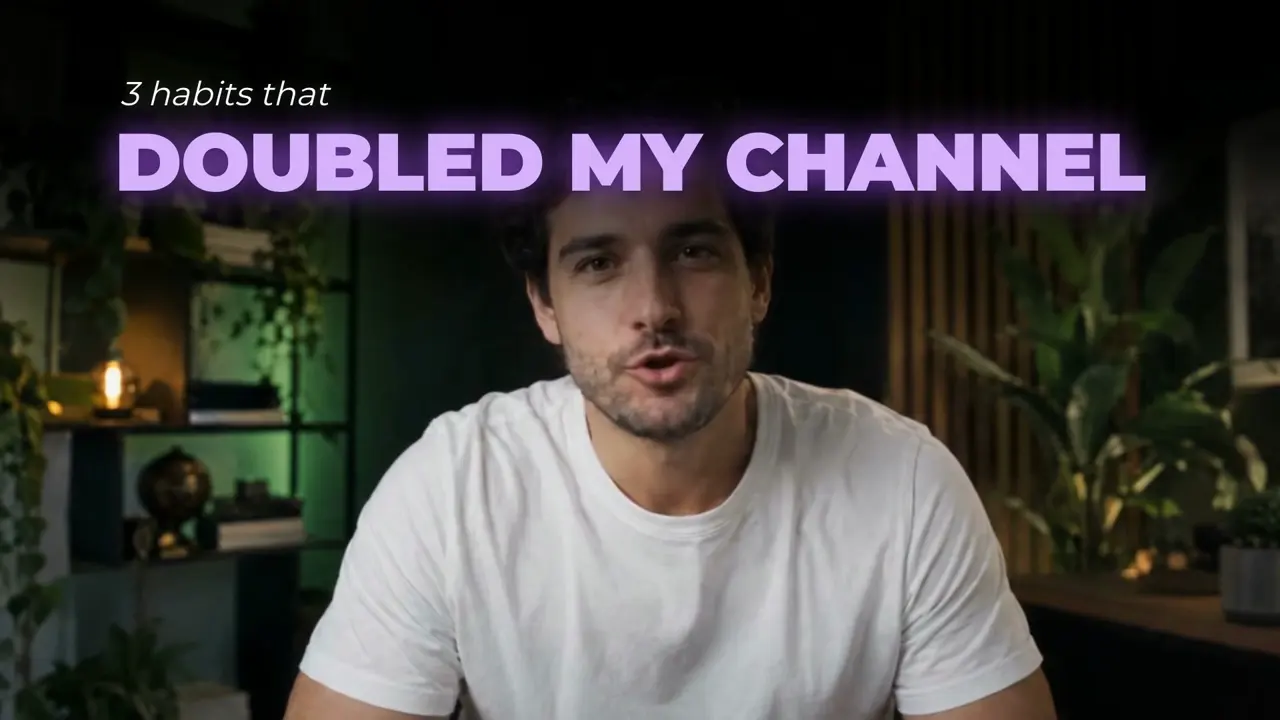
Styles
Teach Garren a style from videos you like, or pick a ready-made one.
Learn more
Your next video, edited while you plan the one after.
Pick a style, upload your takes and review a finished edit. No card needed.