Review room
Give notes like you would to an editor.
Type a change, or pin it to the moment on screen. Each note becomes its own change with a short preview of just that part. Accept the ones you like and render them together.

Add a card when I say forty weeks
What it does
Notes in a queue
Send several notes at once and keep writing while Garren works through them, one after the other.
A preview of each change
Every change comes back as a short clip of just that part: Accept, Refine or Discard it.
Render once
Accepted changes go into the next version together. Only the changed parts are rendered.
Every version kept
Go back to any earlier version. On Pro, download the editing project for Premiere Pro, Resolve, Final Cut or After Effects.
More features
All features


Batch ads
One recording becomes a whole batch of ads, in every frame.
Learn more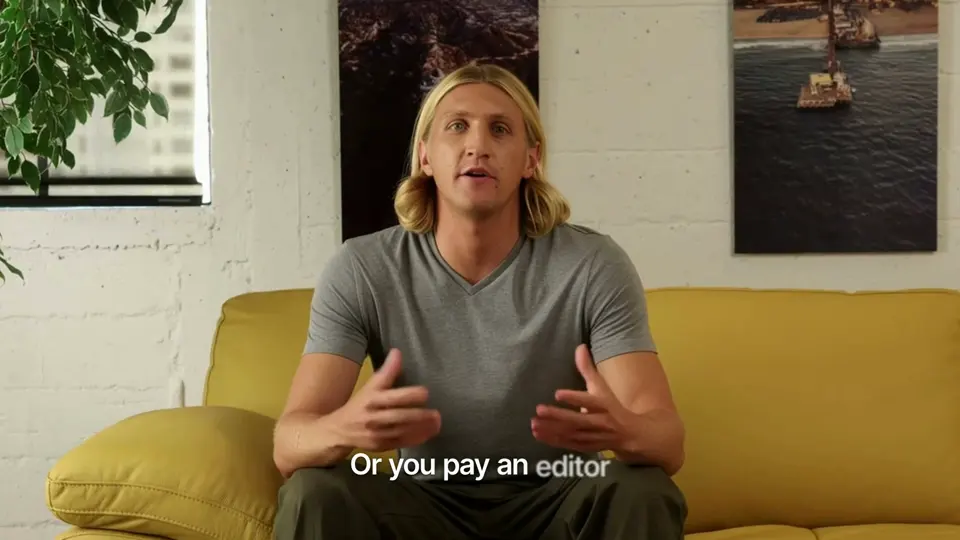
Every frame
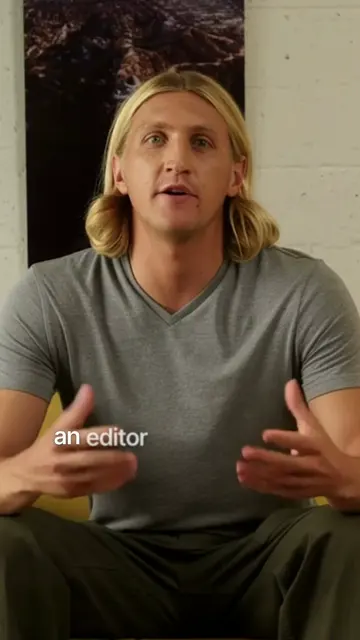
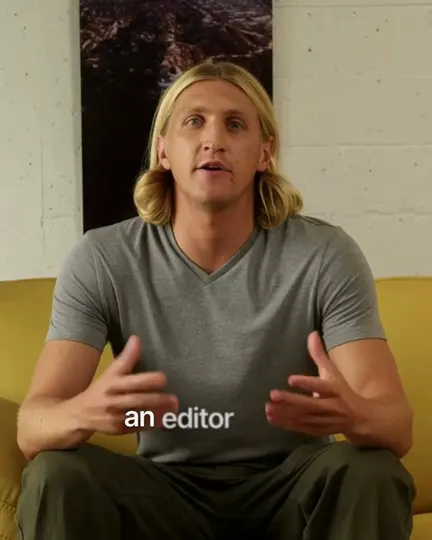
One edit in 16:9, 9:16 and 4:5, framed around you.
Learn more- drive.google.com/drive/folders/…A001_take1.movA002_take2.movA003_broll.mov
Google Drive
Bring footage in from a Drive link, save finished videos back.
Learn more
Your next video, edited while you plan the one after.
Pick a style, upload your takes and review a finished edit. No card needed.